The Cybertruck Guy’s Guide to Driving Cybertruck in Extreme Cold Weather (<0°F)
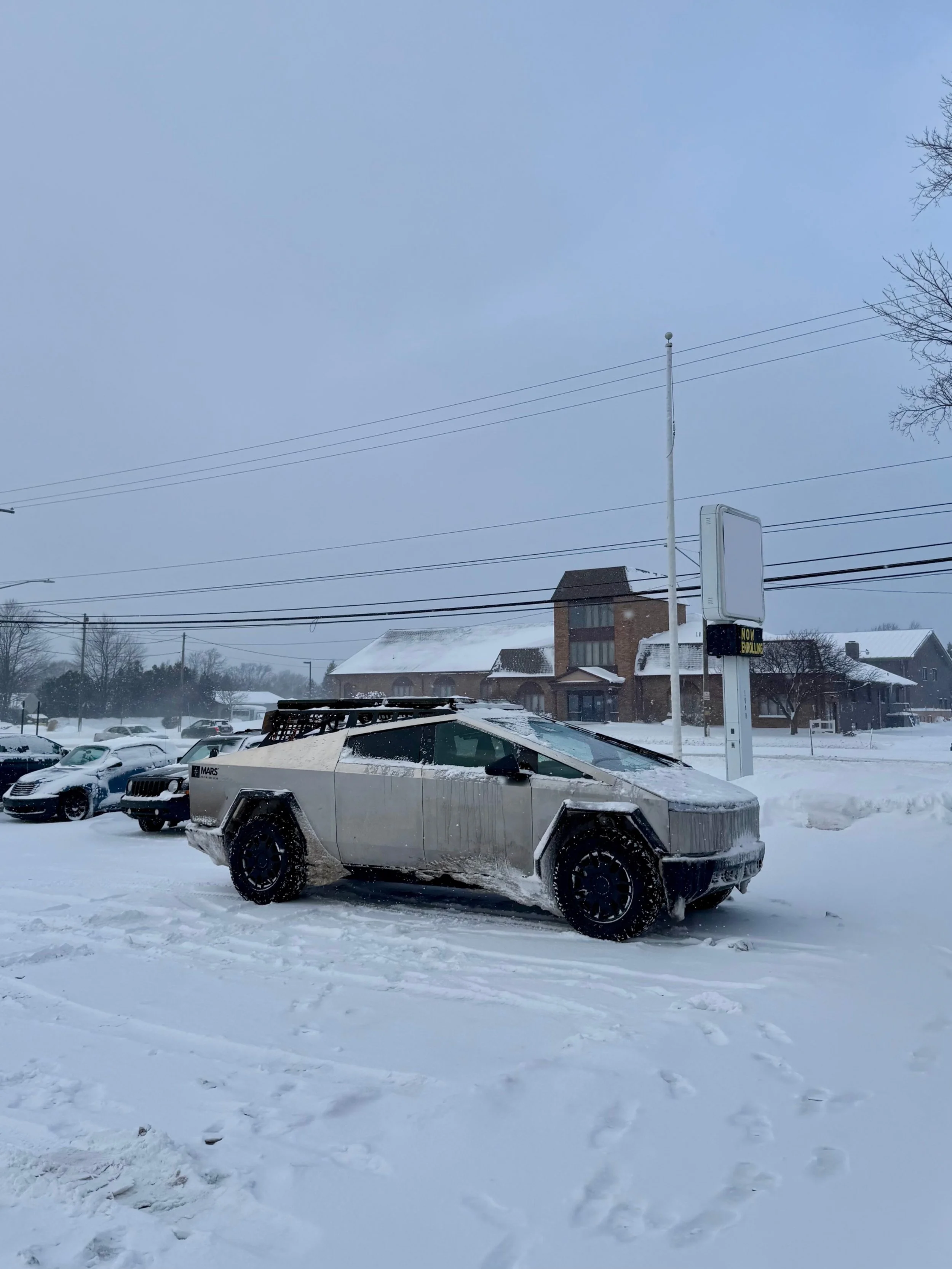
If you’re driving a Cybertruck through winter, you’re going to notice a few changes. Cold weather impacts EVs in specific ways, and the Cybertruck, with its size, battery chemistry, and unique features, has its own winter learning curve.
This guide covers what you need to know for winter driving in extreme cold, including a max range of 200 miles.
Summary: Cold Weather Tips for Cybertruck Owners
Keep your truck plugged in when not in use—even Level 1 helps.
Cybertruck batteries take longer to warm than other EVs, especially in extreme cold.
Supercharger sessions are slower unless the battery is warm from driving.
Range drops fast in sub-zero temps. Below 10°F, expect 150-200 miles of real world range.
Use Scheduled Departure and Cabin Preconditioning before every drive.
Clear off ice from headlights, taillights, and tonneau before driving.
Charge to 100% before major winter storms.
What Still Works in the Cold (and What to Watch For)
One of the strengths of the Cybertruck is that most of its core features still work reliably, even in harsh winter conditions. Doors have built-in ice breakers and function without issue, even when frozen shut. The air suspension adjusts without problem, which is useful if you’re dealing with deep snow. Heating performance inside the cabin is strong— both seat heaters and the climate system warm up quickly, even in -10°F or colder.
The tonneau cover and tailgate both function normally in the cold, but beware of ice buildup. Ice and slush tend to collect on top of the tonneau and around the frunk. Make a habit of brushing off or scraping ice before you open the frunk or open the tonneau.
Cold Weather Range: Expect the Worst (150-200 miles)
Range takes the biggest hit in winter with Cybertruck—and if you’re driving in temps below 10°F, you’ll notice it right away. Below 10°F, the Cybertruck’s usable range can drop by 30–50%, depending on your speed, tire setup, elevation, road conditions, and how often you’re heating the cabin or preconditioning for Supercharging.
In my experience, I can count on 200 miles around 20 degrees, 175 miles at 10 degrees, and 150 miles below 0 degrees.
In real-world driving around the upper Midwest, I’ve seen under 200 miles of actual range in sub-freezing conditions, especially when mixing in highway speeds, cabin heat, and winter tires. This is normal behavior for any EV in freezing temps. The colder the air, the more energy your truck uses to keep cabin and battery warm.
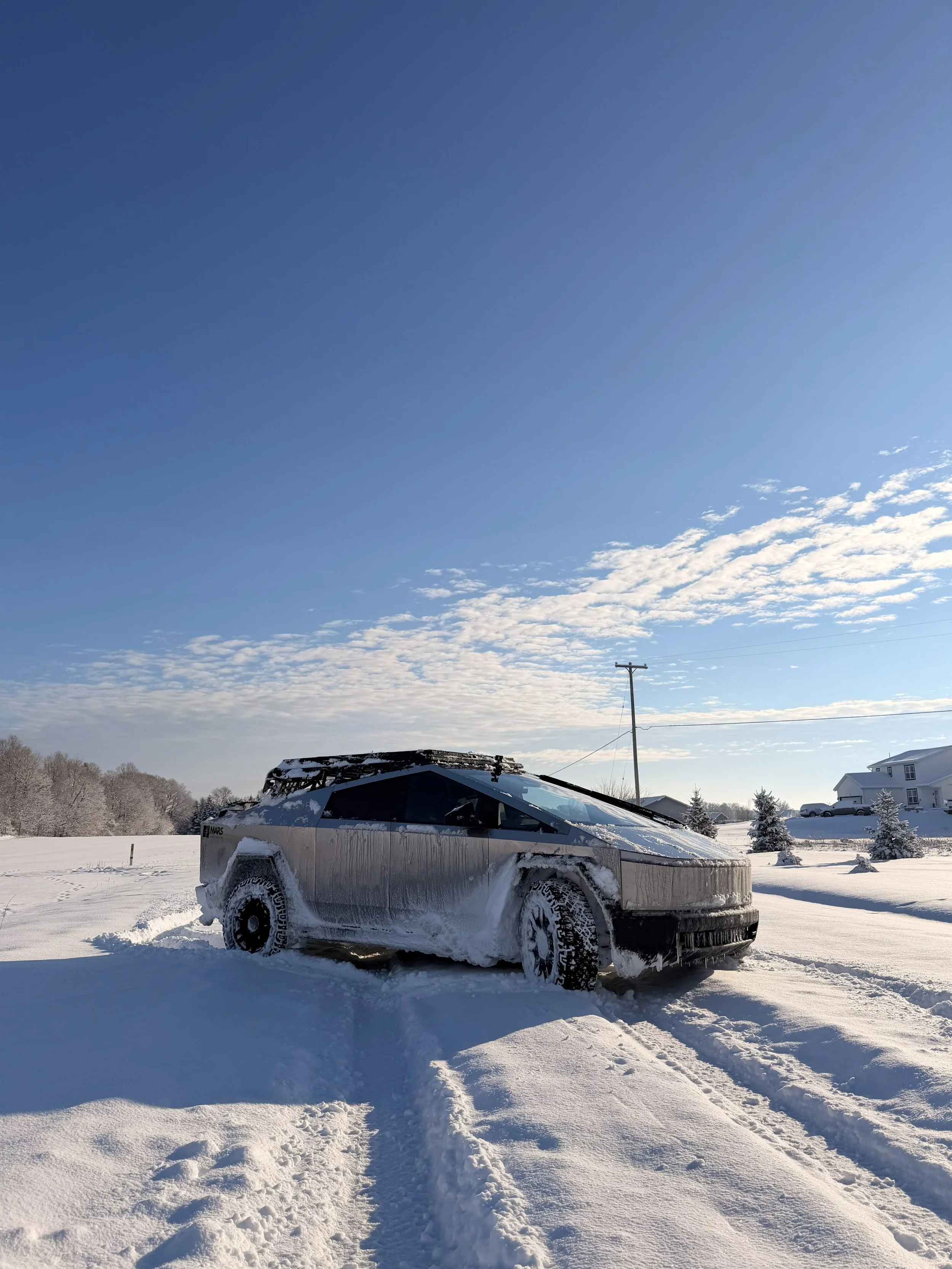
Best Settings for Drive Modes & Suspension
The Cybertruck’s adjustable suspension and traction control features make a noticeable difference when roads get slick.
You’ll want to activate “Slippery Surface” mode in the Dynamics menu when driving on snow or ice. This setting adjusts torque distribution and traction control to reduce wheelspin on icy or packed snow.
Set the suspension to “High” or “Very High” if you’re driving through unplowed streets, snow drifts, or uneven ice. This increases ground clearance and reduces the risk of bottoming out or packing snow into the underbody.
Make sure to activate the windshield wiper heater and side mirror heaters in the Climate Control menu (bottom left). These are easy to miss, but they make a big difference when dealing with ice buildup.
If things get bad (e.g. you're in a ditch and need to get out), use Off Road Mode with the "Snow" setting to disable some of the traction control features.
Set it once before you drive, and the truck will handle unpredictable winter roads a lot better.
Charging in Cold Weather: What to Expect
Cold weather slows charging across all EVs, and the Cybertruck is no exception. In fact, Cybertruck is prone to longer charging sessions because of its larger battery pack (a larger pack takes longer to heat/cool). Knowing how each charging option behaves in the cold helps avoid surprises.
Just remember: ABC - ALWAYS BE CHARGING!
Level 1 Charging (120V Standard Outlet)
This is the slowest method, but it’s always better than nothing. When temps are below zero, keeping the truck plugged into a Level 1 outlet can prevent the battery from getting too cold. While it won’t charge quickly (or sometimes at all), it will provide just enough warmth to allow preconditioning and maintain some charge overnight. If you don’t have access to a faster charger, this is still worth using.
I just did a Level 1 charging test with a cold-soaked truck in -17F. It took 2 hours for the Level 1 Charger to begin charging my truck
Level 2 Charging (240V Home Charger)
This is the ideal solution for anyone in a cold-weather state. A 240V setup not only charges faster but also keeps the battery warm, making preconditioning and scheduled departure far more effective.
If you live in places like Minnesota, North Dakota, or upstate New York, installing a Level 2 charger at home is, in my opinion, a requirement.
Supercharging / DC Fast Charging
If you roll into a Supercharger with a cold battery, don’t expect fast speeds. Charging can be significantly delayed if the pack hasn’t been warmed up.
The best solution is to save Supercharging until after you've driven or preconditioned for 1-2 hours. Preconditioning should also start automatically when you set the Supercharger as your destination in the nav, and it works best if you’ve already been on the road for a bit.
CLEAR YOUR HEADLIGHTS! CLEAR YOUR TAILGATE!
One of the lesser-known issues with the Cybertruck in the snow is how water and slush runoff from the windshield and frunk collects on the bumper lip—and freeze right in front of the headlights. This ice can block your headlights completely.
In the back, snow & slush builds up on the tailgate, covering the brake lights.
Before each drive, clear off your headlights and taillights.. In freezing rain or wet snow, you might need to do this more than once per drive.
Always Precondition Before You Drive
Preconditioning is critical in winter. Start your climate system at least 60 minutes before leaving, especially in temps below 0°F. This helps warm both the cabin and the battery, restoring regenerative braking and improving overall efficiency.
Scheduled Departure does the same thing. Set your departure time in the app or on the center screen, and the truck will automatically heat the battery and cabin while still plugged in. That keeps you warm and maximizes range from the start.
Use Powershare or the Bed Outlets as Backup Home Power
One of the more practical cold-weather features on the Cybertruck is Powershare and the outlets in the bed. This gives you flexibility during storms, power outages, or off-grid work.
If you’re stuck in a blackout—or helping someone else who is—you can use the Cybertruck’s battery to power essentials. That includes heaters, tools, electric snowblowers, or even a space heater in a cabin or garage. The 240V outlet can supply up to 9.6kW, which is enough for most heavy-duty appliances.
Use a standard extension cable to keep smaller essentials powered, like other batteries or appliances.
Cybertruck, using Powershare, can directly power your home IF you have the Powershare Home Backup box installed ($4-6k installation). This feature uses your same charging cable and activates automatically in a power outage. No additional cables required.
If you home as a generator inlet, you can purchase an adapter to plug into your bed's 240V outlet. This works like any standard generator would, by backfeeding power into your home.
My Other Advice:
Charge to 100% Before Big Storms
When a snowstorm is coming, always charge to full the night before. Cold temperatures, running the heater, slower driving speeds, and traction control all pull extra energy. If you’re stuck in traffic during a whiteout or plowing through snowdrifts for hours, you’ll be glad you started with a full battery.
Winter Tires: Highly Recommended
Tesla ships the Cybertruck with all-terrain tires, and while they do fine in light snow, they don’t perform as well on ice or compacted snow. If you’re in an area that regularly sees deep snow or icy roads, winter tires are a must.
I personally use Duratrac Wranglers and I love them. They’ve handled everything from icy highways to snow-packed backroads in northern Minnesota without a problem. Road grip, braking, and control are all improved—especially in extreme cold.
FSD is Surprisingly Solid, But Not Perfect
Full Self-Driving (FSD) in the Cybertruck handles winter conditions better than you might expect. On snow roads, FSD does a great job with lane keeping, turns, and traffic flow.
Even with snow on the road, lane detection stays accurate thanks to the combination of visual cues and GPS. Intersections, stop signs, and lane merges remain reliable, and the truck generally drives cautiously.
All that said, it does fall short and is not perfect.
Here's my experience using FSD in deep snow.
Final Thoughts
Driving the Cybertruck in cold weather isn’t difficult—but it is different. Battery chemistry, charging behavior, and even basic things like visibility change when the temperature drops below zero. With the right prep, you can make winter driving easy and predictable.
Stay plugged in. Plan ahead. Keep your lights clear. And enjoy the ride—even when it’s -15°F outside.